

My Garage
My Account
Cart
Genuine Toyota Yaris Window Regulator
Electric Power Window Regulator- Select Vehicle by Model
- Select Vehicle by VIN
Select Vehicle by Model
orMake
Model
Year
Select Vehicle by VIN
For the most accurate results, select vehicle by your VIN (Vehicle Identification Number).
42 Window Regulators found
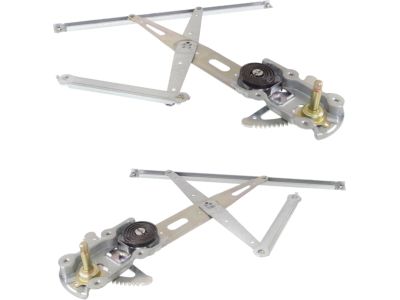
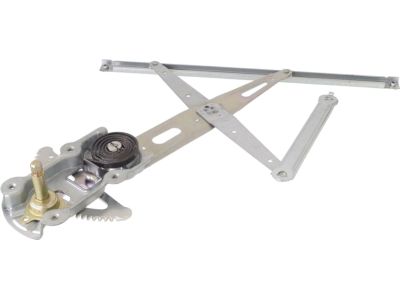
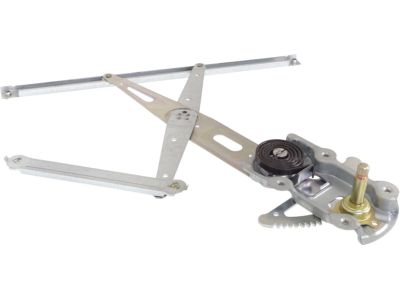
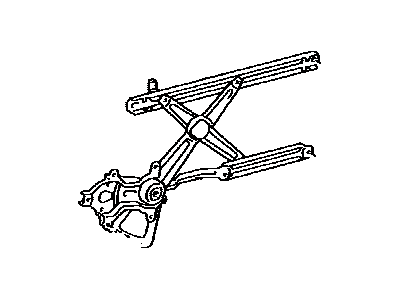
Toyota Yaris Front Door Window Regulator Sub-Assembly Left Hand
Part Number: 69820-52300$84.95 MSRP: $119.74You Save: $34.79 (30%)Ships in 1-3 Business Days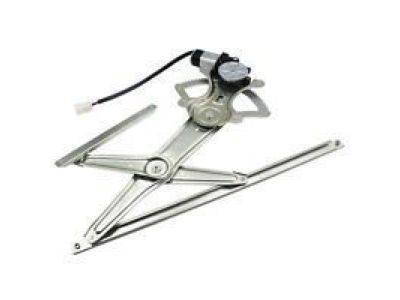
Toyota Yaris Regulator Sub-Assembly
Part Number: 69802-WB001$61.32 MSRP: $86.44You Save: $25.12 (30%)Ships in 1-2 Business Days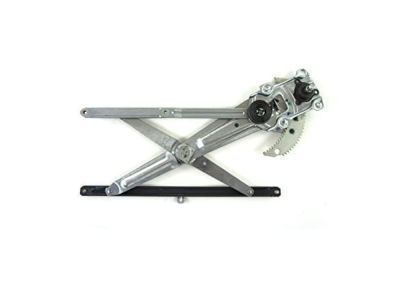
Toyota Yaris Front Door Window Regulator Sub-Assembly Right Hand
Part Number: 69801-52070$83.65 MSRP: $117.92You Save: $34.27 (30%)Ships in 1-3 Business Days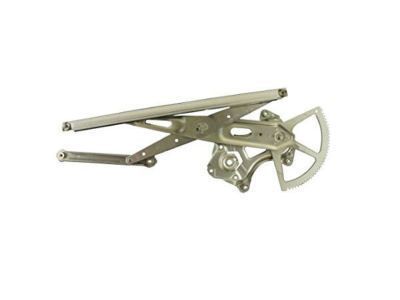
Toyota Yaris Front Door Window Regulator Sub-Assembly Left Hand
Part Number: 69802-52070$83.65 MSRP: $117.92You Save: $34.27 (30%)Ships in 1-3 Business Days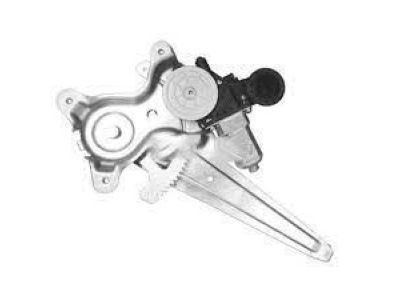
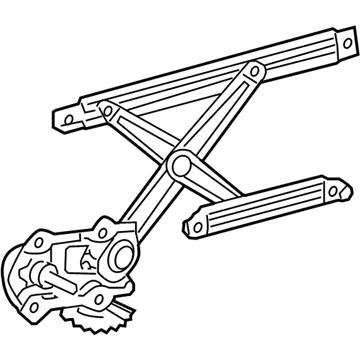
Toyota Yaris Regulator Assembly, Front D
Part Number: 69820-0D300$306.69 MSRP: $439.77You Save: $133.08 (31%)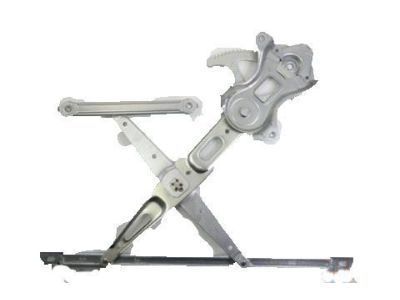
Toyota Yaris Regulator Sub-Assembly
Part Number: 69802-21010$84.00 MSRP: $118.41You Save: $34.41 (30%)Ships in 1-3 Business Days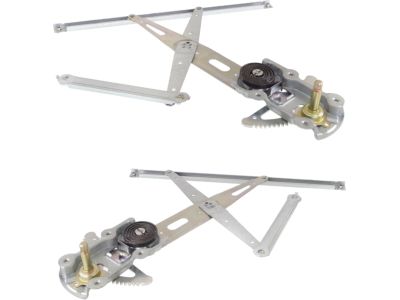
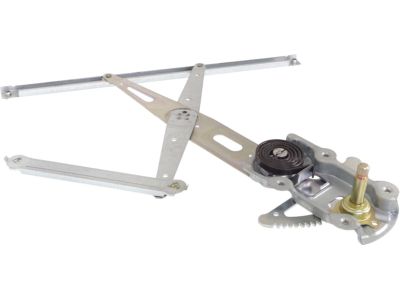
Toyota Yaris Front Door Window Regulator Sub-Assembly Right Hand
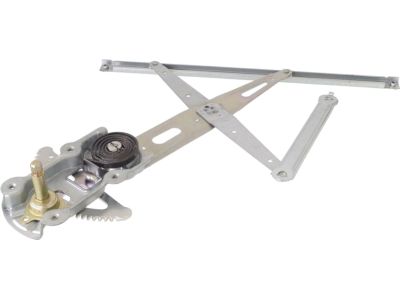
Part Number: 69810-52380$86.60 MSRP: $122.07You Save: $35.47 (30%)Ships in 1-3 Business DaysToyota Yaris Regulator Sub-Assembly
Part Number: 69802-WB002$61.32 MSRP: $86.44You Save: $25.12 (30%)Ships in 1-3 Business DaysToyota Yaris Front Door Window Regulator Sub-Assembly Left Hand
Part Number: 69802-52110$122.02 MSRP: $173.47You Save: $51.45 (30%)Ships in 1-3 Business Days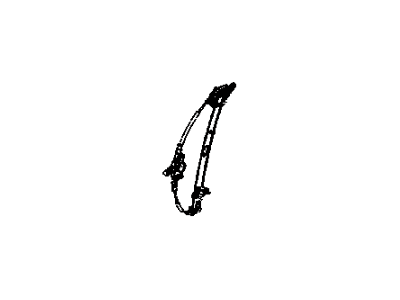
Toyota Yaris Regulator Sub-Assembly
Part Number: 69801-WB002$92.17 MSRP: $129.93You Save: $37.76 (30%)Ships in 1-3 Business Days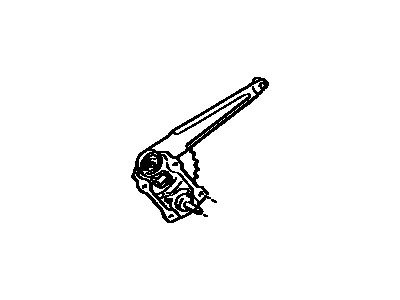
Toyota Yaris Rear Door Window Regulator Sub-Assembly Right Hand
Part Number: 69803-52080$89.67 MSRP: $126.40You Save: $36.73 (30%)Ships in 1-3 Business Days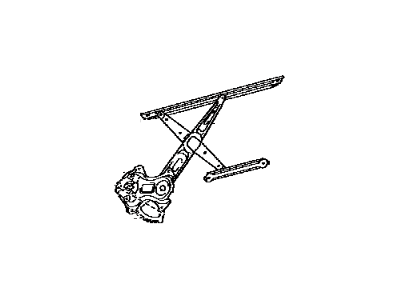
Toyota Yaris Regulator Sub-Assembly
Part Number: 69801-21020$84.00 MSRP: $118.41You Save: $34.41 (30%)Ships in 1-3 Business DaysToyota Yaris Regulator Sub-Assembly
Part Number: 69801-WB001$92.17 MSRP: $129.93You Save: $37.76 (30%)Ships in 1-3 Business Days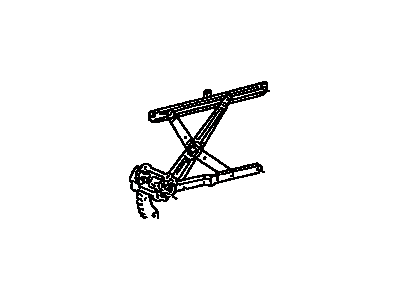
Toyota Yaris Front Door Window Regulator Sub-Assembly Right Hand
Part Number: 69801-52120$122.02 MSRP: $173.47You Save: $51.45 (30%)Ships in 1-3 Business DaysToyota Yaris Regulator Assembly, Front D
Part Number: 69810-0D300$297.76 MSRP: $426.97You Save: $129.21 (31%)Ships in 1-3 Business Days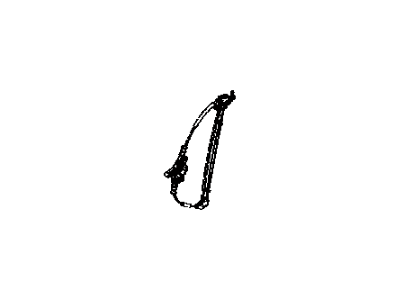
Toyota Yaris Regulator Sub-Assembly
Part Number: 69803-WB001$67.54 MSRP: $95.21You Save: $27.67 (30%)Ships in 1-3 Business Days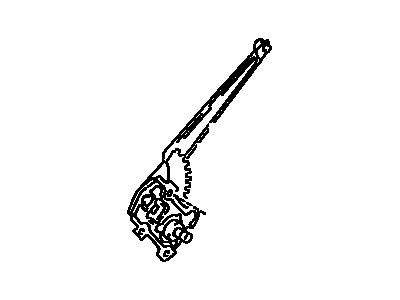
Toyota Yaris Rear Door Window Regulator Sub-Assembly Left Hand
Part Number: 69804-52090$89.67 MSRP: $126.40You Save: $36.73 (30%)Ships in 1-3 Business Days
Toyota Yaris Regulator Assembly, Rear D
Part Number: 69840-52260$71.50 MSRP: $100.78You Save: $29.28 (30%)Ships in 1-3 Business Days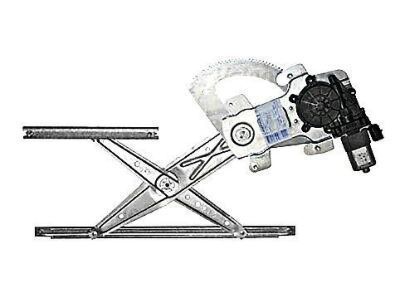
| Page 1 of 3 |Next >
1-20 of 42 Results
Toyota Yaris Window Regulator
The Window Regulator is one of the parts that define Toyota as reliable and which contributes to the high performance. This Window Regulator is aimed at the regulation of windows in different types of the so popular in europe Toyota Yaris cars to provide the possibility of smooth regulation of the windows which means its possibility to be raised or to be lowered with comfort and safety both for the driver and passengers. The Toyota Window Regulator for the Yaris has been in production since 1999 and the Yaris Window Regulator has gone through generations and comes in scissor and cable type according to the manufacturer requirement of the Yaris model. This consistency in the Yaris models demonstrates Toyota's commitment to quality and usefulness. Since the Window Regulator often wear out or malfunction over time, getting a replacement allows Toyota Yaris owners to bring their car's windows back to their highly and this is crucial in enhancing the car's efficiency as well as safety. Interestingly, the Window Regulator is designed to avoid such problems as for example, the windows getting jammed and thus improving the performance of the automobiles. Besides, the body and structure as well as the general appearance of the automobile speak to the durability aspect of the Toyota name. Hence, the Window Regulator is a reliable, high-performing and compatible part of the Toyota Yaris window lineup making any drive as safe and as comfortable as imaginable.
If you are in demand for superior quality and affordable OEM Toyota Yaris Window Regulator, then shop with us! We own a wide range of the reduced-priced genuine Toyota Yaris Window Regulator. You can purchase in confidence as all parts come with a manufacturer's warranty. Any issues with our products? No need to worry as we have a hassle-free return policy to guide you every step of the way.
Toyota Yaris Window Regulator Parts Questions & Experts Answers
- Q:How to Remove and Refit the Front and Rear Door Window Regulators on a Toyota Yaris?A:To remove the front door window, start by taking off the door trim panel. Reconnect the electric window switch or window winder handle, then lower the glass until the door glass retaining bolts are visible through the access holes in the inner panel. Unscrew the glass retaining bolts, lift the glass, and remove it from the door. For refitting, reverse the removal process, ensuring the glass retaining bolts are tightened securely and the door trim panel is reattached. For the front regulator, after removing the window glass, disconnect the wiring plug from the motor on electric window models. The regulator is held by five bolts for manual windows or six for electric windows; remove these bolts and take out the regulator. During refitting, lubricate the moving parts of the regulator with multi-purpose grease and check the operation of the mechanism before reattaching the door trim panel. For the rear window, remove the door trim panel and open the window fully. Unclip the door sliding glass runner from the top and sides of the window frame, then pull it upwards to remove. Pull off the door seal at the upper rear corner and take out the window rear guide channel top screw. Remove the two bolts securing the base of the rear guide channel and slide it out of the door. Slide the rear fixed glass and its rubber seal forwards to remove it, and if needed, detach the rubber seal from the glass. Move the sliding glass rearwards and upwards to free it from the regulator, then lift it out of the door. For refitting, check the operation of the window regulator mechanism before reattaching the door trim panel. For the rear regulator, after removing the window glass, disconnect the wiring plug from the motor on electric window models. The regulator is secured by two bolts for manual windows or three for electric windows; remove these bolts and withdraw the regulator. During refitting, lubricate the moving parts of the regulator with multi-purpose grease and check the operation of the mechanism before reattaching the door trim panel.
Related Toyota Yaris Parts
 Toyota Yaris Wiper Blade
 Toyota Yaris Seat Belt
 Toyota Yaris Window Motor
 Toyota Yaris Mirror Cover
 Toyota Yaris Car Mirror
 Toyota Yaris Mirror Switch
 Toyota Yaris Power Window Switch
 Toyota Yaris Window Run
Browse by Year
2020 Window Regulator 2019 Window Regulator 2018 Window Regulator 2017 Window Regulator 2016 Window Regulator 2015 Window Regulator 2014 Window Regulator 2013 Window Regulator 2012 Window Regulator 2011 Window Regulator 2010 Window Regulator 2009 Window Regulator 2008 Window Regulator 2007 Window Regulator 2006 Window Regulator